
Compression instructions below
-
To select the aa file, you have two options:
-
Click "Select aa file to compress" to open the file chooser
- Drag and drop the aa file directly onto ezyZip
Click "Select aa file to compress" to open the file chooser
-
-
Click "Compress AA". It will start the compression process which will take some time to complete.
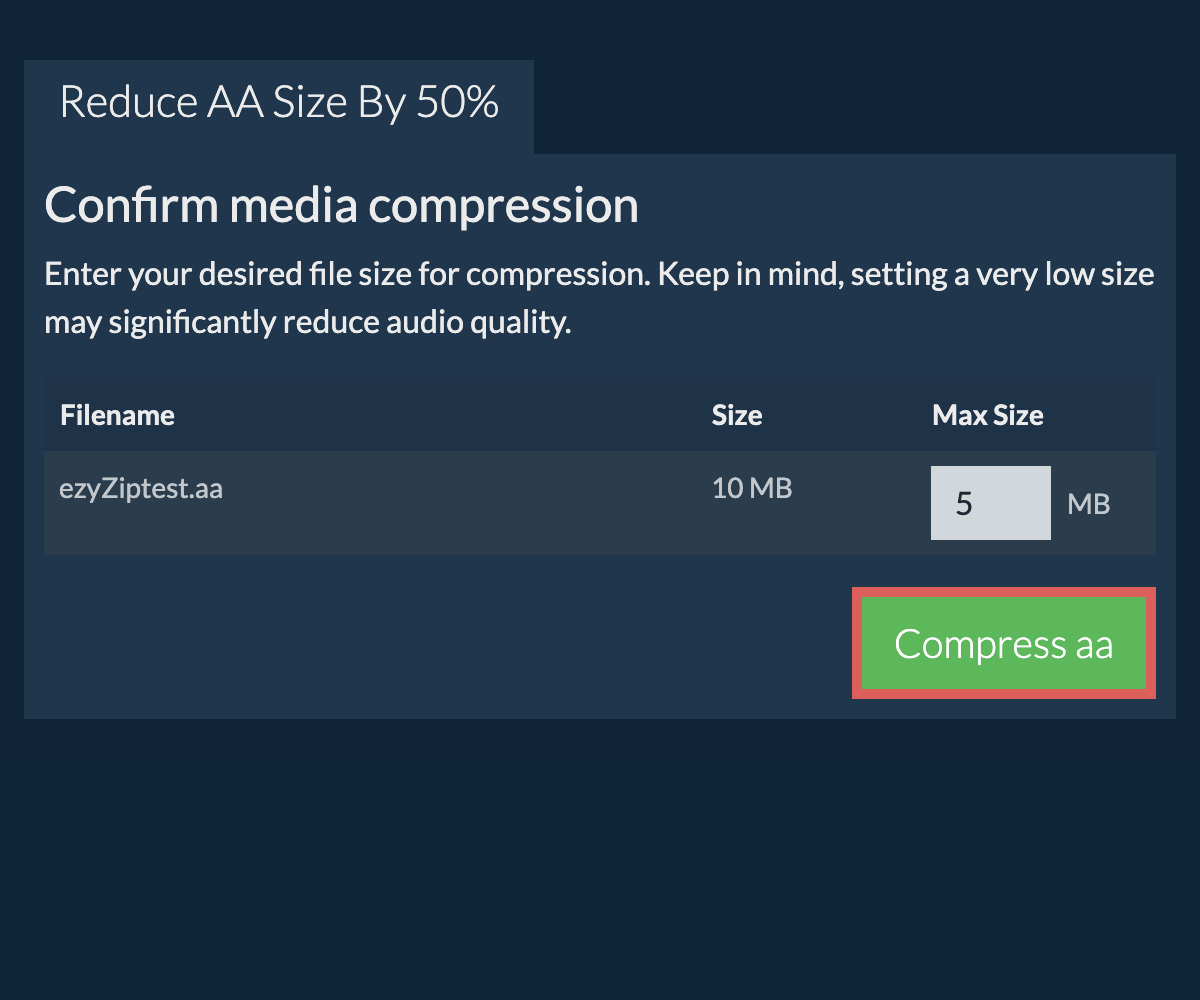
-
Click on "Save AA File" to save the compressed AA file to your selected destination folder.
-
Click on the Dropbox logo () in the file selector button.

-
The Dropbox file chooser will appear. You will need to authorise access to ezyZip the first time.
-
Once you have selected the file(s), they will appear in the listing. Follow the instructions above to compress the files.
-
To save the resulting AA file to Dropbox, click on "Dropbox" dropdown under the "Save AA File" button. This will require authorisation the first time you run it.
The file will be stored in /Apps/ezyZip folder.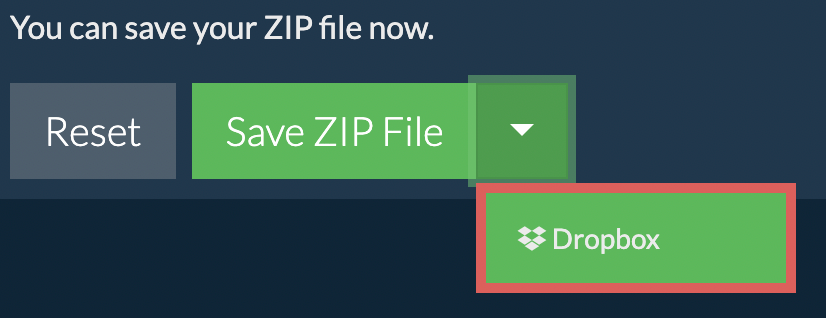
We are continuously updating the system, so ensure you are using the latest version of one of the popular browsers or their variants. (e.g. Chrome, Firefox, Safari, Opera).
Please let us know via the feedback form if you have any issues.
ezyZip is a free online aa to 50% file size reducer that runs in your browser. No need to install any additional compression software. It supports a myriad of other media compressions too.
Unlike other online media compression utilities, ezyZip DOES NOT enforce file size restrictions, add watermarks, or require uploading files to a server. It runs locally as a browser app, making it much quicker than other online conversion tools. This means you'll be able to compress large media files! This also ensures your privacy will be protected as no file data will leave your browser.
ezyZip processes files directly in your browser. Unlike most online tools, your files are not uploaded to our servers, which means faster processing and better privacy. Take a look at the feature comparison below and we think youll agree that ezyZip is the better choice for your file conversion needs.
| Feature | ezyZip | Other Online Tools |
|---|---|---|
| No Software Installation | Works Directly in Browser | Works Directly in Browser |
| Processing Location | Your Browser (No Upload) | Their Servers (Upload Required) |
| Privacy & Security | 100% Private (Files Never Leave Your Device) | Files Uploaded, Accessible by Others |
| Processing Speed | Fast (No Upload/Download Time) | Slow (Upload + Process + Download) |
| Registration Required | Never | Often Required for Large Files |
| Works Offline | Yes (After Page Load) | No |
| Media Format Support | 200+ Audio/Video Formats | Limited (MP4, MP3 only) |
| Output Quality | Clean Output, No Watermarks | Watermarks Added |
| File Size & Usage Limits | 1GB Files, Unlimited Usage | 100-200MB, Daily Limits |
| Cost | 100% Free | Free with Limitations / Paid Tiers |
| Established | Since 2009 (15+ Years) | Recent (May Disappear) |
Why client-side AA percentage-based compression is faster
ezyZip's WebAssembly media engine uses an adaptive bitrate algorithm to achieve precise percentage-based compression for AA media. Here is why local processing is faster:
- Iterative Local OptimizationQuality margins are adjusted based on file size through rapid local iterations, without network latency per adjustment attempt. The algorithm performs a two-pass analysis — first scanning the media to assess complexity, then encoding with optimized parameters to hit your exact target percentage.
- Direct Filesystem MountingSource files are mounted directly into the WASM virtual filesystem to avoid duplicating media data in memory. This efficient I/O model means the encoder reads directly from your disk rather than copying the entire file into browser memory first.
- Multi-Threaded EncodingSharedArrayBuffer enables multi-threaded WebAssembly processing, accelerating encoding for large files. On modern multi-core devices, this can cut encoding time by 2–4x compared to single-threaded processing.
- Accurate Target SizingServer-based tools apply fixed compression ratios that often miss target sizes — local iterative processing achieves precise results. If the first encoding pass overshoots or undershoots, the algorithm re-encodes with adjusted bitrate parameters in milliseconds.