Convert Archive Files Effortlessly
Convert archives in just a few clicks with ezyZip Archive Converter. The same simple interface you love from the web app, now with no file size limits and support for 156+ formats including password protection and split archives. Available exclusively to ezyZip Pro subscribers!
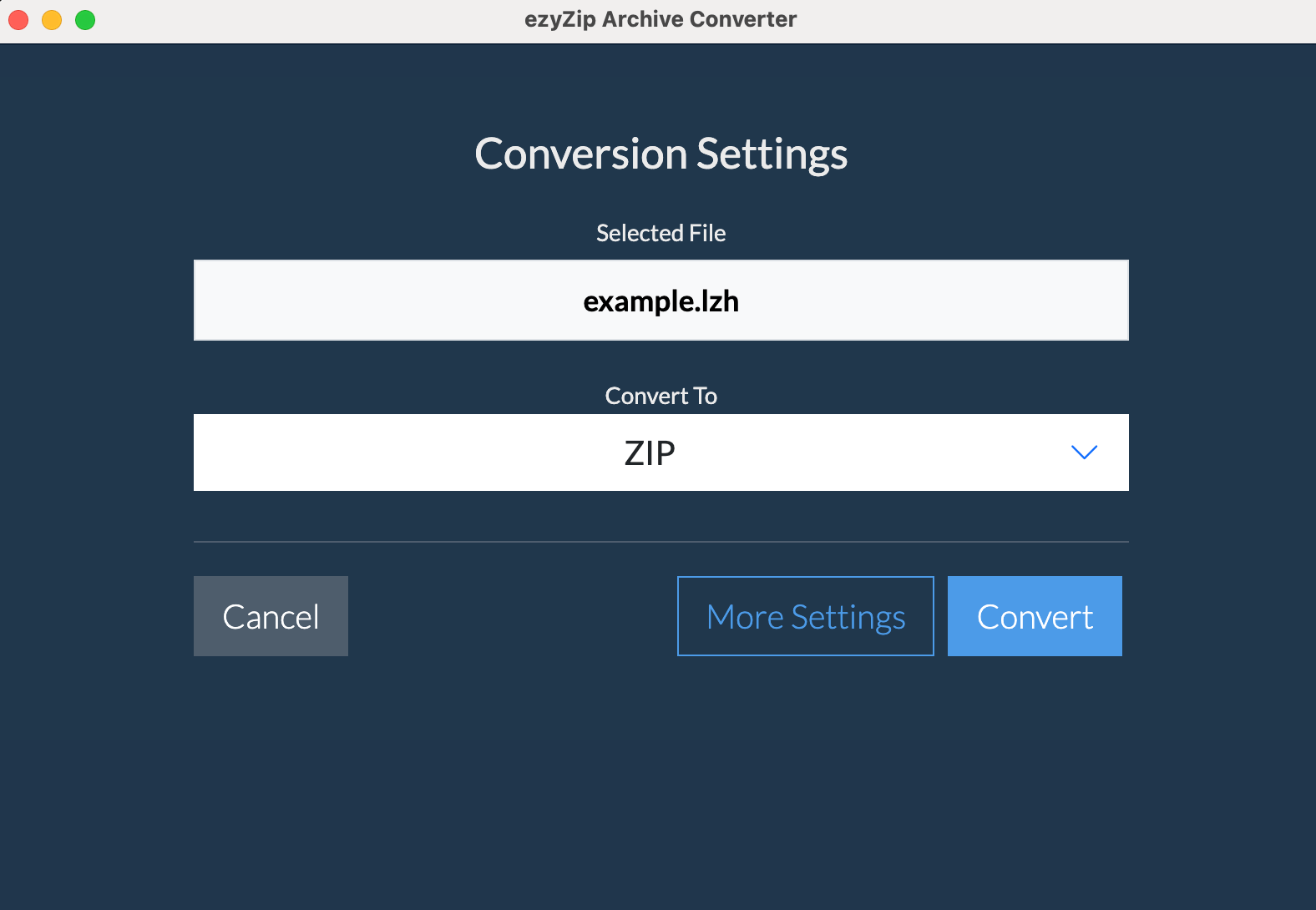
No Size Limits
Convert archives of any size
Ultra Fast
Local processing for speed
Works Offline
No internet needed
Secure
Process files locally
What's New in Version 2025.12.21
Enhanced capabilities for professional archive management
Batch Convert
Select multiple archives and merge them into one output file
Folder Scanning
Auto-find all archives in a folder and convert them at once
36+ New Formats
Regional archives (ALZ, EGG), retro formats, Wii disc images
Mixed Format Merging
Combine ZIP + 7Z + RAR + TAR files in a single operation
Supported Formats
Convert between 156+ formats with ease - now with massive expansion via unar integration
Read Formats
Convert FROM these formats
Save Formats
Convert TO these formats
Frequently Asked Questions
Everything you need to know about ezyZip Archive Converter
- Windows 10 or 11 (64-bit)
- 4GB RAM recommended
- Disk space:
- 303MB for application installation
- Sufficient temporary space for file conversion (at least as much as your largest archive size, as files need to be extracted before being recompressed)
Internet is only needed for:
- Initial download and installation
- License verification (once on installation)
- Checking for updates
All file processing is done locally on your computer - no files are uploaded to the internet.
Read Formats:
We can convert FROM these formats:
Popular formats: Zip, Zipx, RAR, 7z, Tar, Gzip, Bzip2, LZMA/XZ, CAB, MSI, NSIS, some EXE files, ISO/BIN/MDF/NRG/CDI disc images, and split files
Legacy formats: StuffIt (no encryption), StuffIt X (partial), DiskDoubler, Compact Pro (no encryption), PackIt, Cpio, Compress (.Z), ARJ (no multi-part), ARC/PAK, ACE, Zoo, LZH, ADF/DMS (FFS), LZX, PowerPacker, LBR, Squeeze, Crunch, and many Amiga-specific formats
Regional archives: ALZ, EGG
Gaming/Console: Wii disc formats (WBFS, WDF, GCZ, RVZ), GameCube images
Modern compression: BZ3/TBZ3 (BZIP3), LZ4/TLZ4, LZO/TLZO (LZOP)
Unusual formats: XAR (FFS), RPM, Deb, Ar, ALZip (no encryption), WARC, NSA/SAR (partial), NDS, SWF (images and audio)
Plus standard folders and all previously supported formats.
Write Formats:
You can convert TO these formats:
- ZIP - Most compatible format (with optional password protection)
- 7Z - Best compression ratio (with optional split/multivolume)
- ISO - Create disc images (NEW!)
- TAR - Unix standard archive
- TAR with compression:
- TAR.GZ - Good compression, widely supported
- TAR.BZ2 - Better compression than GZ
- TAR.ZST - Newer format, great compression, extremely fast speeds
- A - Unix static library archive format
- AR - Unix archive format, used for libraries and packages
- BIN - Binary archive format, commonly used for CD/DVD images
- CPIO - Unix CPIO archive format, used in package managers
- PAX - POSIX standard archive format with extended attributes
- WIM - Windows Imaging Format
- Extract to files
Major new features include:
- Multi-file batch conversion: Select multiple archives and merge them into a single output file. Perfect for consolidating backups or combining downloads.
- Folder scanning: Point ezyZip at any folder and it will automatically find all archives (up to 1,000 files) and prepare them for batch conversion.
- 36+ new input formats: Added support for regional archives (ALZ, EGG), retro computing formats (ACE, Amiga DMS/ADF), and gaming disc images (Wii WBFS, WDF, GCZ, RVZ).
- Per-archive password handling: When batch converting encrypted archives, enter passwords for each file in sequence.
This update makes ezyZip Archive Converter one of the most comprehensive archive tools available, now supporting 156+ formats.
Once the app is installed, you can continue using that version indefinitely - even if your subscription expires. No features will be disabled or locked.
However, you'll need an active subscription to:
- Download and install newer versions of the app
- Install the app on a new or reformatted computer
Yes! Once you've downloaded and installed ezyZip Archive Converter, you can cancel your subscription anytime. The app will continue to work with all features fully enabled - even after your subscription expires.
You'll need an active subscription to install the app, but once installed, you can cancel anytime.
By default, the app checks for updates when it starts and will notify you if a new version is available. You can:
- Allow update checks on startup (default)
- Disable update checks in settings
- Manually check for updates anytime via "Help > Check for updates..."
When a new version is available, you'll need to download and install it manually. Note that installing newer versions requires an active subscription.